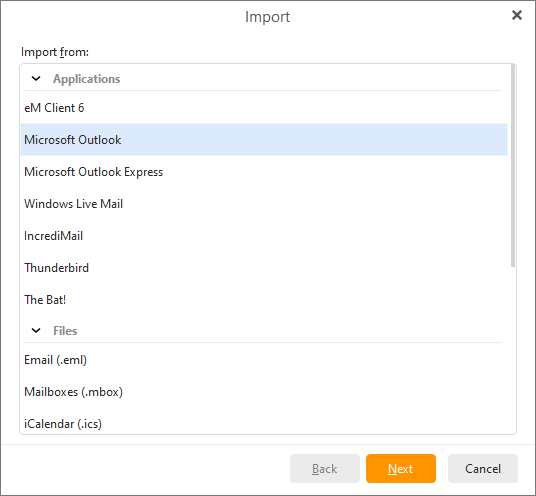
To import your emails, settings, meeting attendees, free-busy. statuses, account passwords and much more from Microsoft Outlook Express select Menu > File > Import in the main menu
Select Import from Microsoft Outlook and click on Next.
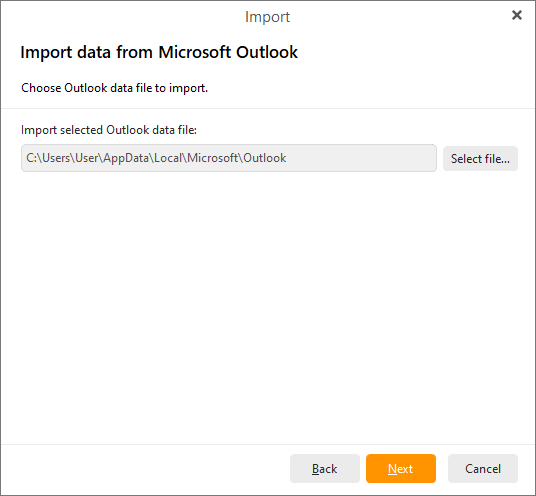
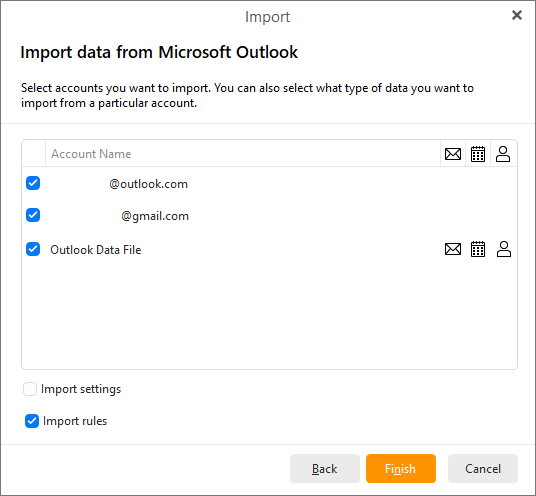
Select accounts that you would like to import. Please note that you can also choose whether you want to import specific items from the selected account (email messages, tasks, contacts, events, tags).
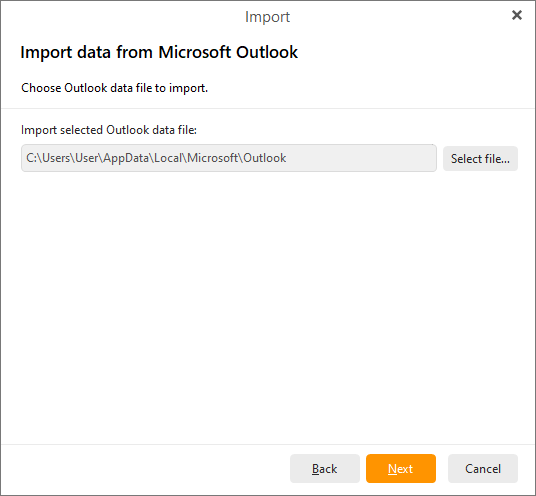
By selecting Import selected PST data file you can import your data directly from PST files , whereas MS Outlook does not need to be installed.
Click on Next to proceed to next window.
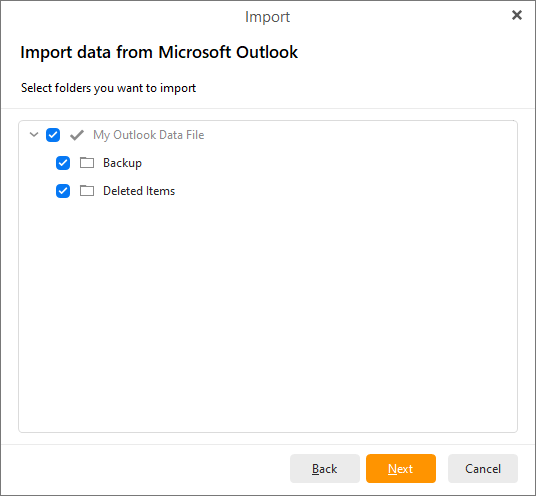
Here select folders you would like to import and click on the Next button.
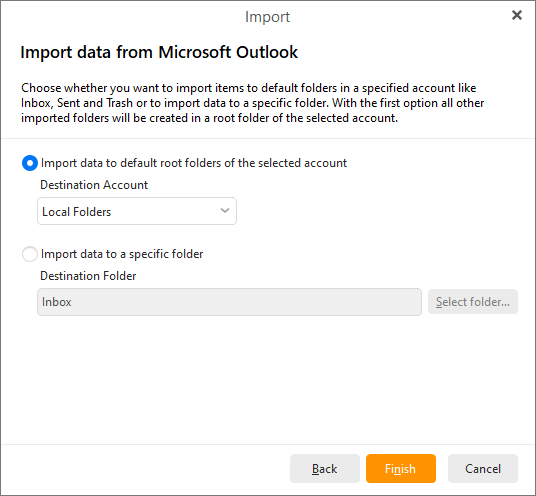
Here you can select if you would like to import items to default folders in a specified account or to import data to a specific folder.
Click on Finish button to finish the process of importing from MS Outlook.